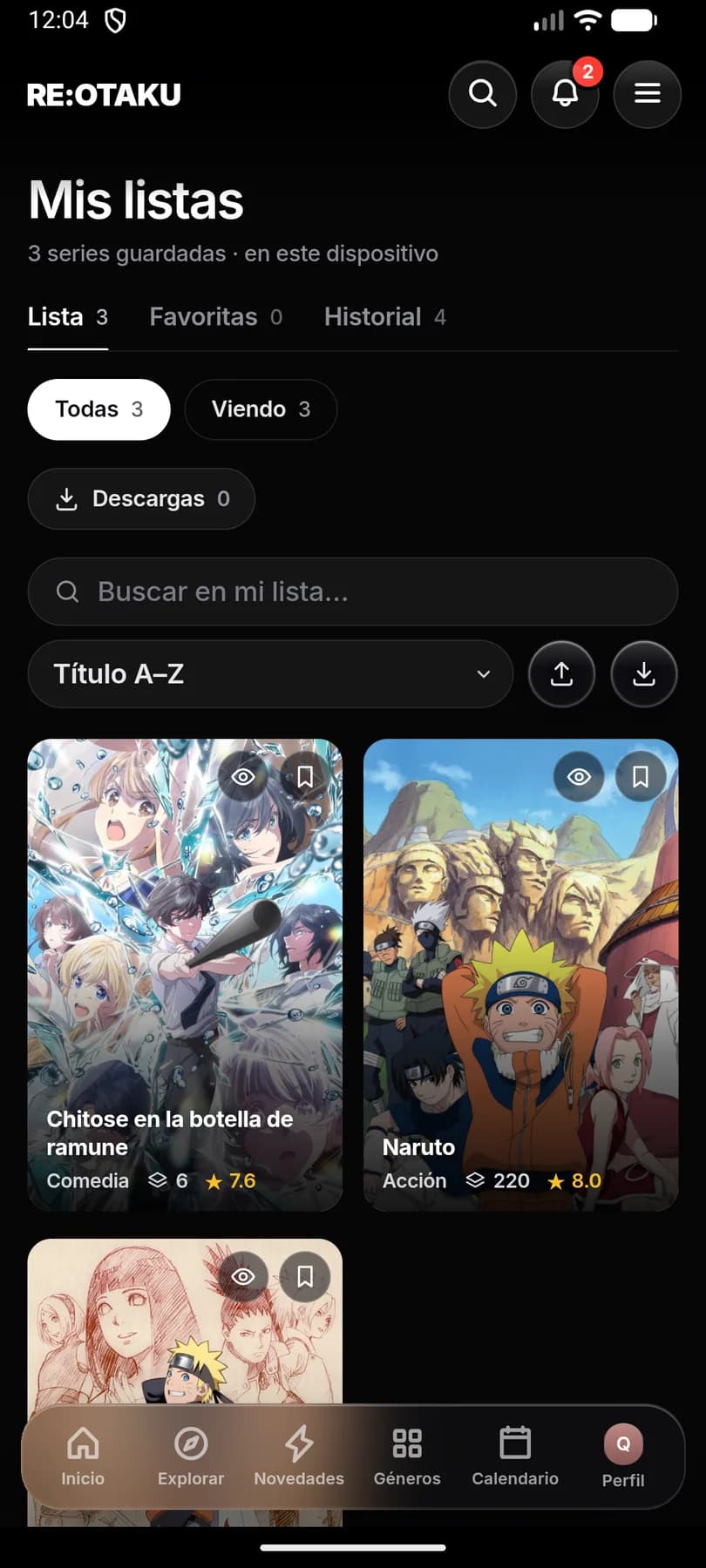
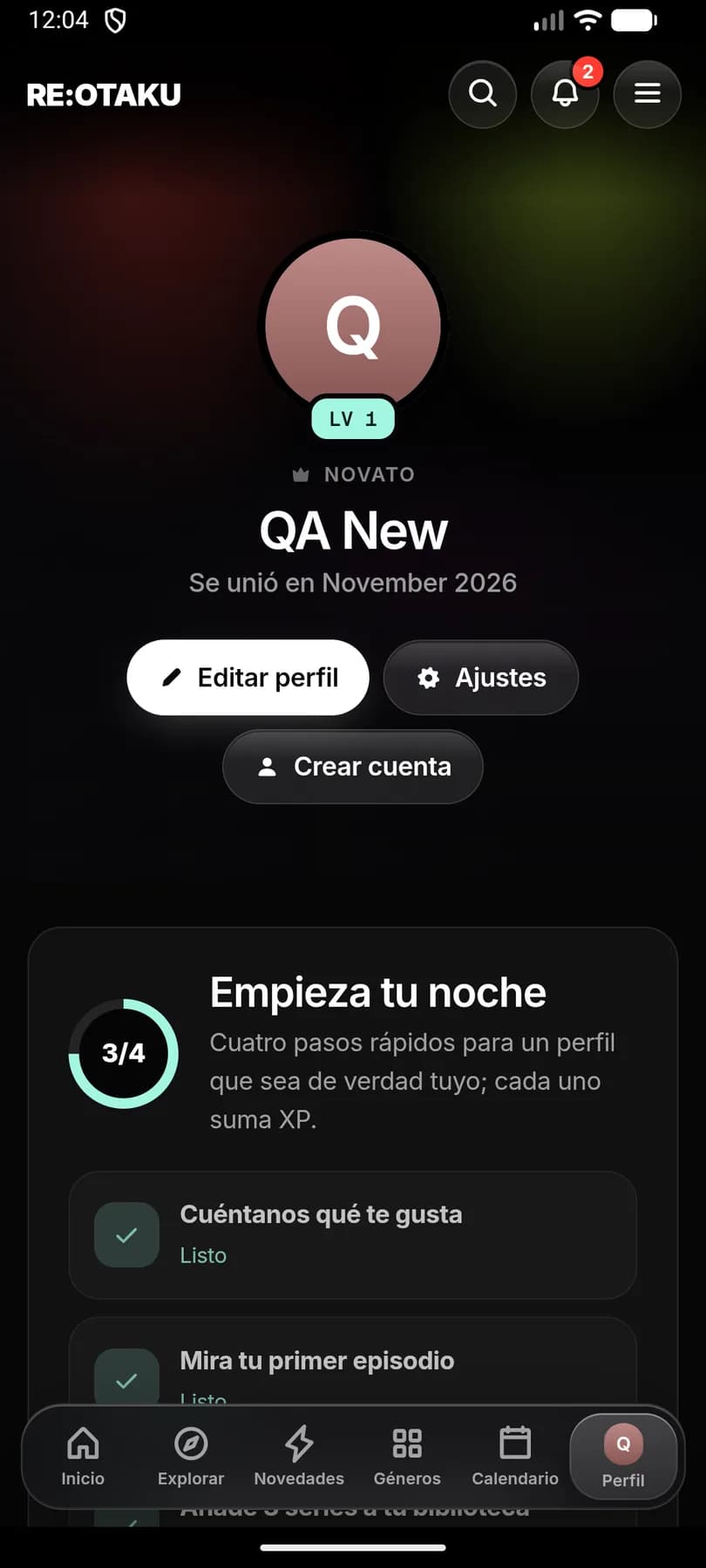
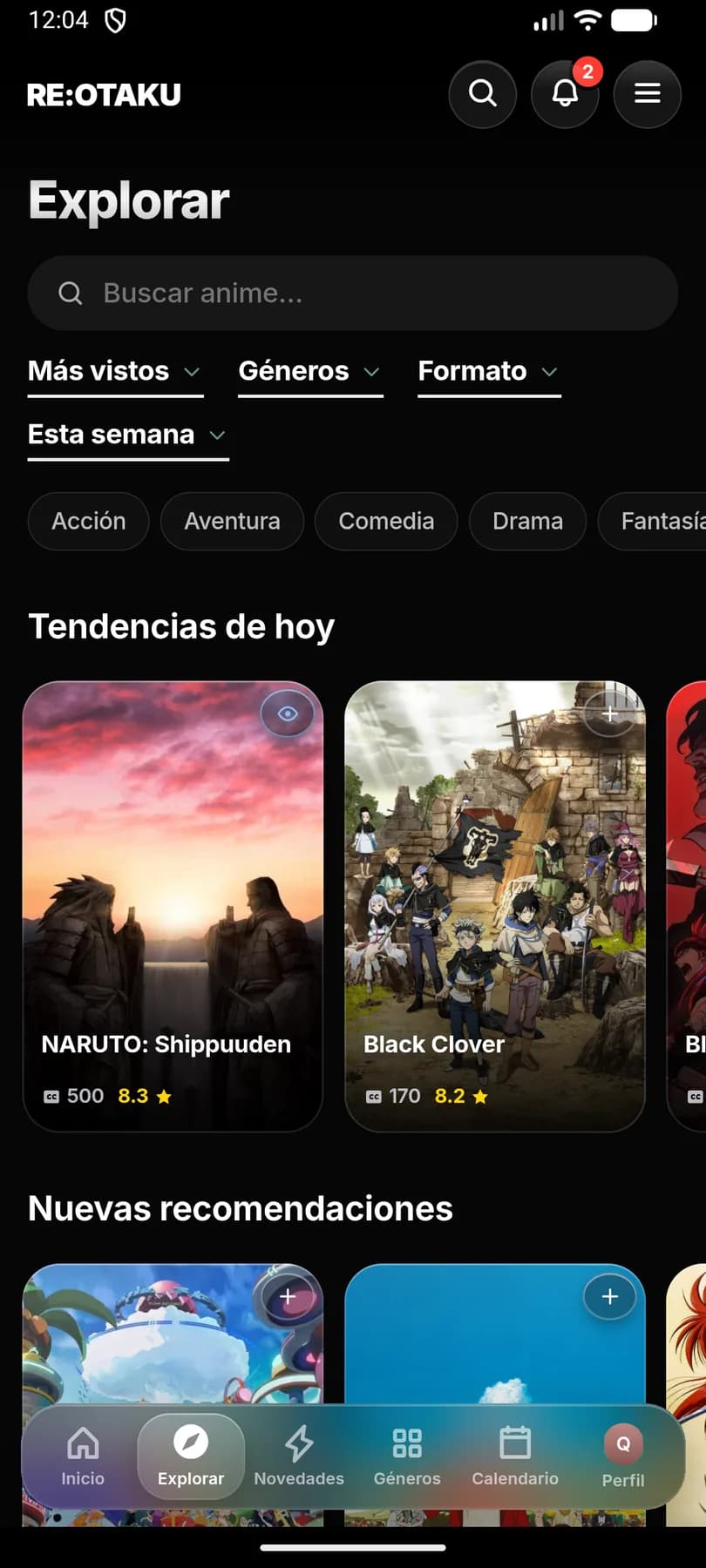
Step by step
Four steps, two minutes.
Download the APK
Open this page on your phone and tap Download APK. If the browser warns that the file may be harmful, confirm the download: it's the usual warning for any APK.
On a computer? Scan the QR code with your phone.
Open the file
Tap it in the download notification, or find it in the Files app under Downloads.
You can also find it in your browser menu, under Downloads.
Allow the install
The first time, Android will ask for permission to install apps from your browser. Tap Settings, turn on Allow from this source and go back.
On Android 7, turn on Unknown sources in Settings, under Security.
Install and open
Tap Install. When it's done, open RE:OTAKU, pick your language, create your profile and start watching.
If Google Play Protect shows a warning, tap More details and then Install anyway.
Security
Check that the file is the original.
The SHA-256 fingerprint identifies the file. If the one from the APK you downloaded matches this one, it's the original and nobody has changed it.
- File
- REOTAKU-2.1.21-QA.apk
- SHA-256
1ea111fee43aae55de70614d885cf458f6ab66734d6957ef642f77eb2823a396
How to get the fingerprint
- Windows
certutil -hashfile REOTAKU-2.1.21-QA.apk SHA256 - macOS
shasum -a 256 REOTAKU-2.1.21-QA.apk - Linux
sha256sum REOTAKU-2.1.21-QA.apk
On your phone, any hash checker app will do: pick SHA-256 and compare the result.
Updating the app
When a new version is out, download it from here and install it over the one you have. Don't uninstall the old one: your list and progress live on the phone and would be erased.
Current version
v2.1.21
It says the app wasn't installed
This usually happens when the download didn't finish or you're low on space. Delete the file, free up some space and download it again. If you had RE:OTAKU installed from another source, you may need to uninstall it first.
Google Play Protect blocks the install
Play Protect warns about any app that doesn't come from Google Play. Tap More details and then Install anyway. If you want to be sure first, check the SHA-256 fingerprint.
I can't find the downloaded file
Open the Files app and go to Downloads, or open your browser menu and tap Downloads.
The Install button doesn't respond
An app that draws over the screen, like a blue light filter or chat bubbles, can block it. Close it for a moment and try again.
I have Android 6 or older
RE:OTAKU needs Android 7 or newer, so it can't be installed on that phone.
I have an iPhone
RE:OTAKU is only available for Android.
Ready?
Download the APK and you'll be watching anime in a couple of minutes.
v2.1.21 · Android 7 or newer · 17 MB