Zero ads
No banners, no pop-ups and no breaks halfway through an episode. The app blocks ad networks.
Blocked
- Banners
- Pop-ups
- Video ads
- Ad breaks
v2.1.21Android 7 or newer17 MBFree3 downloads
Features
Everything you need to watch a series from start to finish, and nothing that pulls you out of the episode.
No banners, no pop-ups and no breaks halfway through an episode. The app blocks ad networks.
Blocked
If an episode has no Spanish subtitles, the app translates them for you and keeps them in sync with the video.
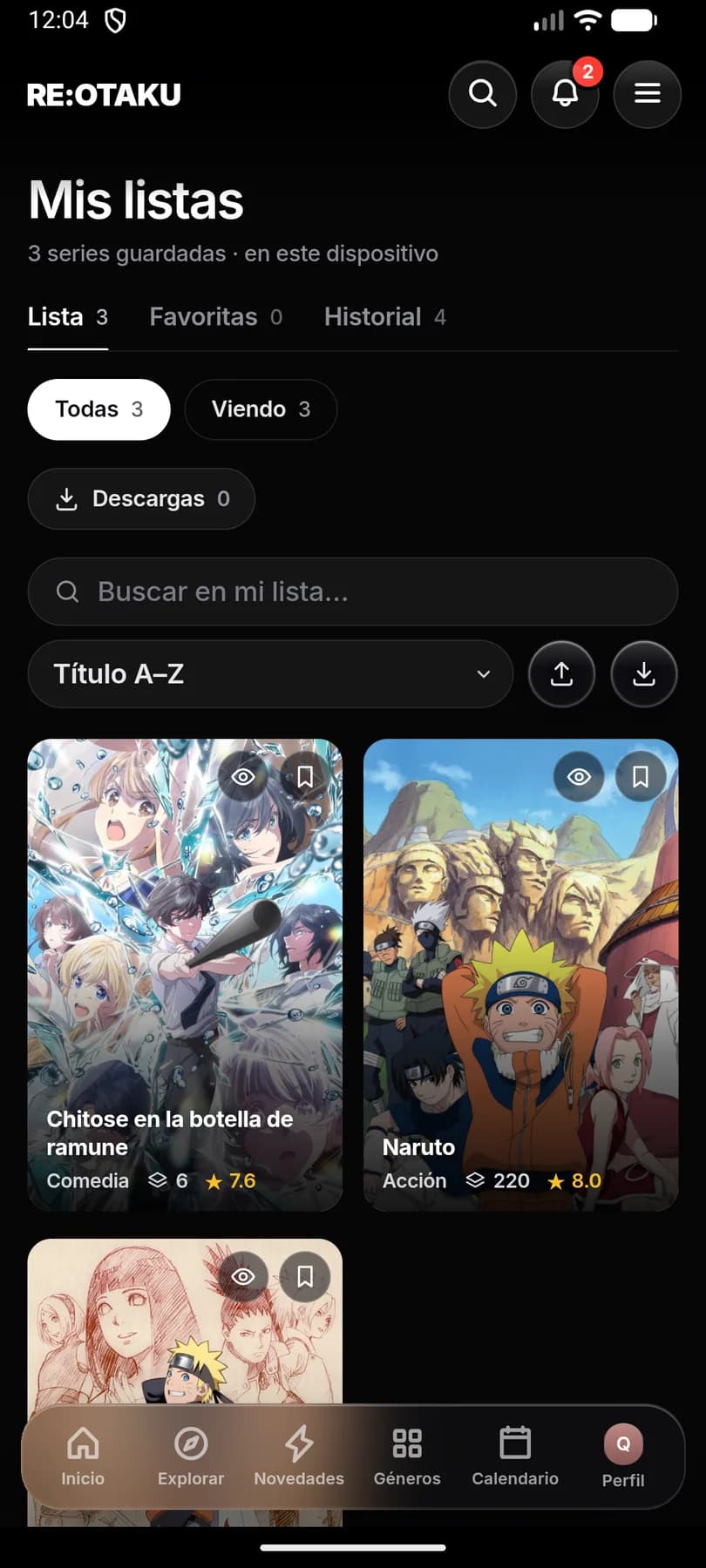
Watching, plan to watch and completed, with your progress saved on the device.
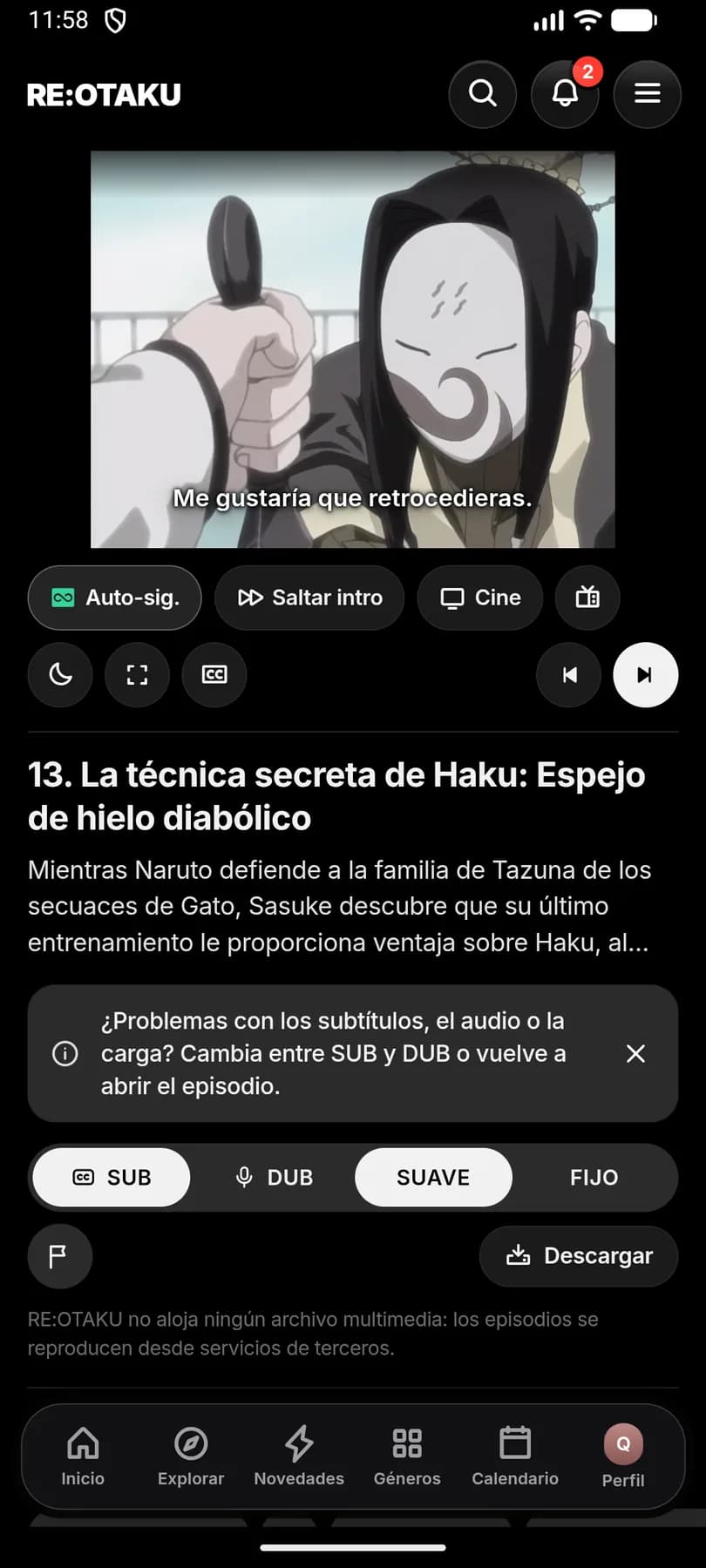
1080p by default, skip intro, auto next episode, a sleep timer and subtitles the way you like them.
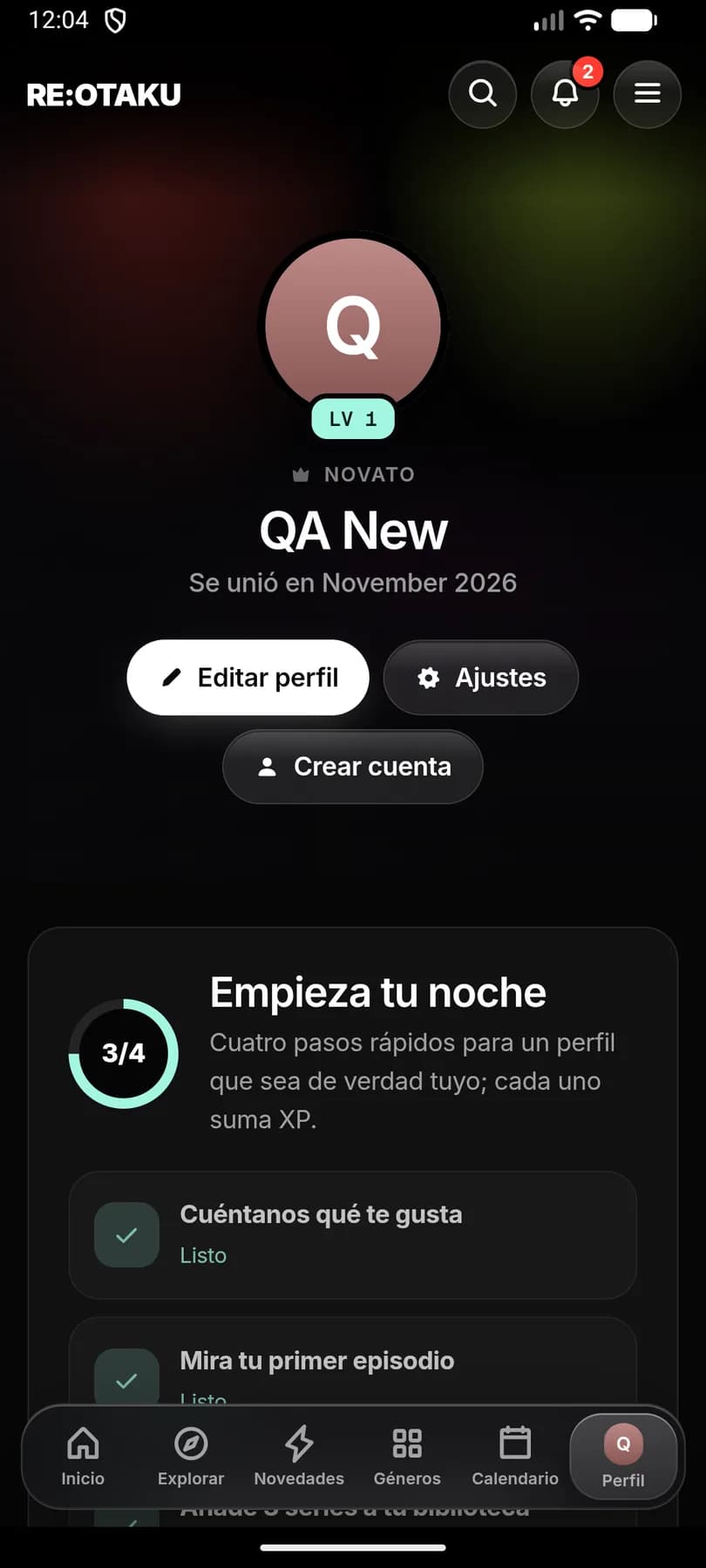
Open the app and start watching. If you like, create a profile and level it up.
It takes 17 MB, runs on Android 7 and up, and costs nothing.
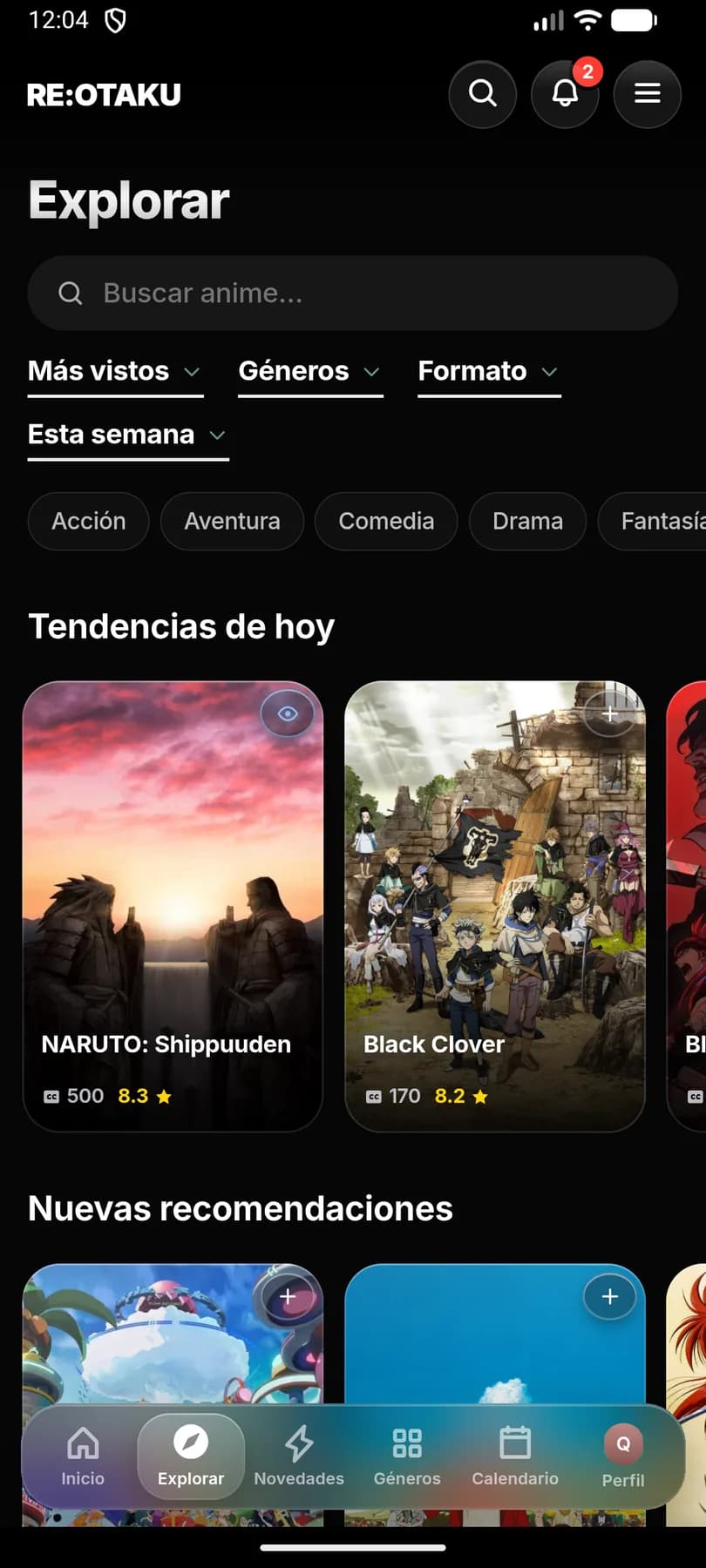
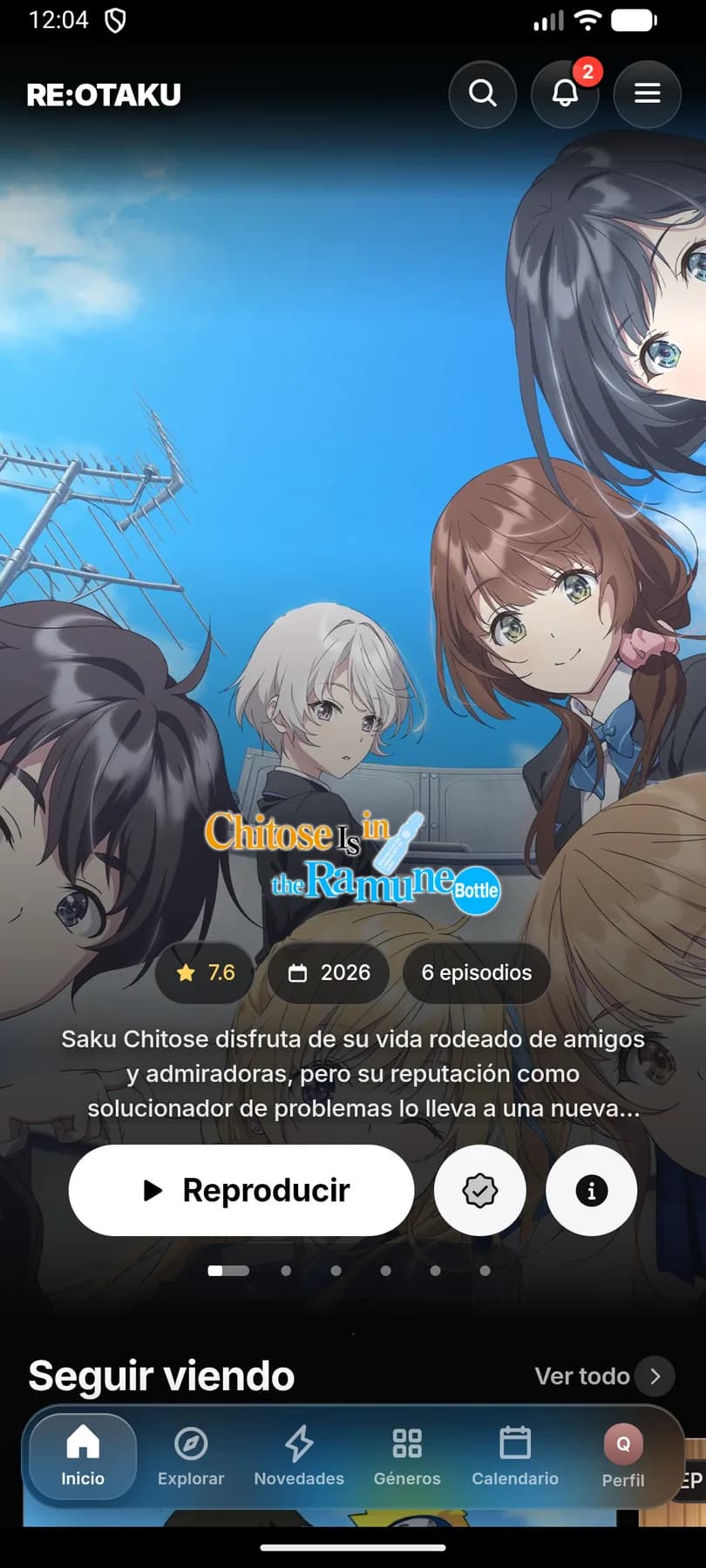
Home, Explore, New, Genres, Calendar and Profile, always in the bottom bar.
The app
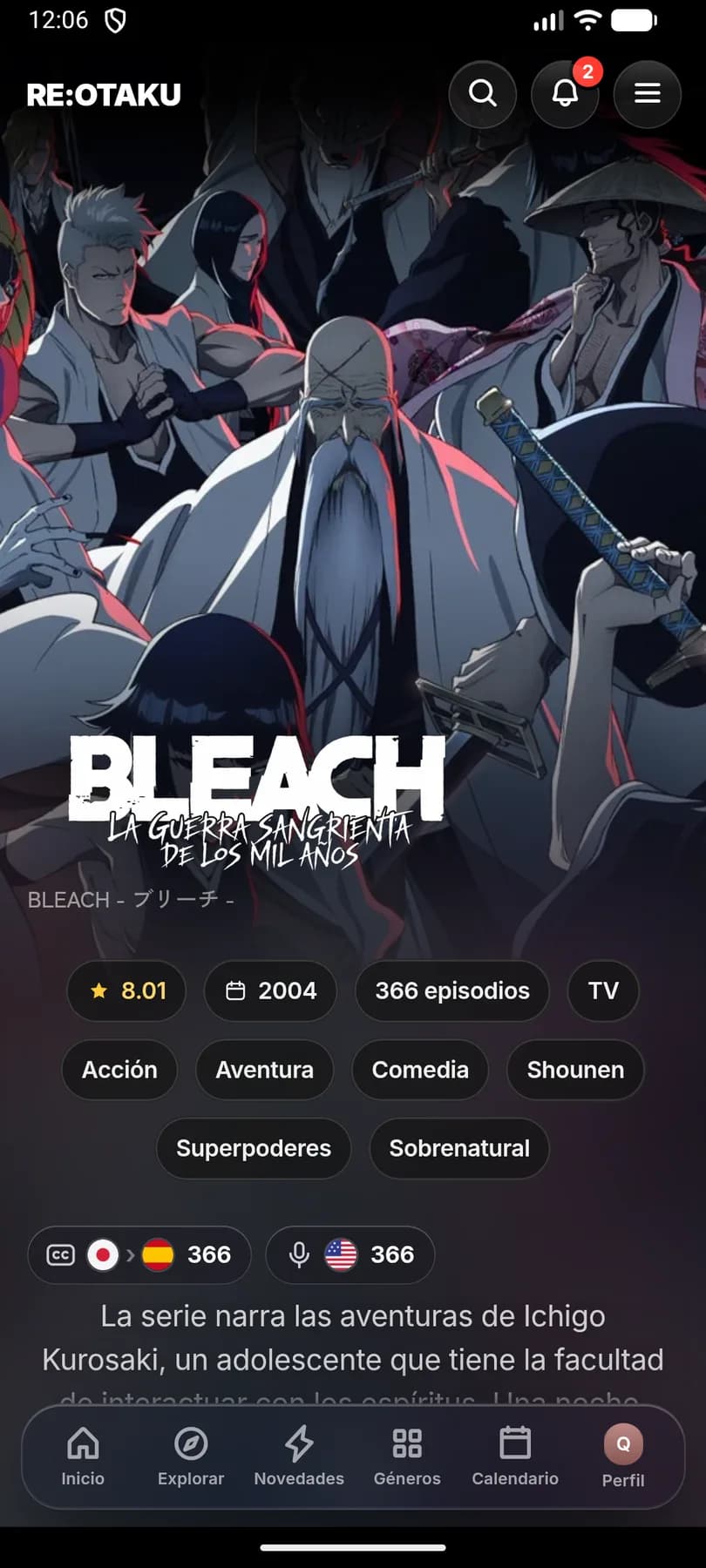
Real screenshots of the app, untouched. Pick a screen to see it.
Player
Synced Spanish subtitles, skip intro and next episode on the same screen.
Install
Tap Download APK on your Android phone.
If Android asks, allow installing apps from your browser.
Pick your language, create your profile and start watching.
Compare the SHA-256 fingerprint of the file you downloaded with the published one. If they don't match, don't install it.
1ea111fee43aae55de70614d885cf458f6ab66734d6957ef642f77eb2823a396Coming soon
RE:OTAKU is in open beta. Tell us what breaks and what you'd like to see.
RE:OTAKU on the big screen in your living room.
More sources to choose from when an episode won't load.
AI-generated dubbing for series that don't have one.
More languages beyond Spanish.
Yes. It's free, has no ads and you don't need an account to use it.
No. RE:OTAKU is an Android app and runs on Android 7 and newer.
Only download it from this page and check its SHA-256 fingerprint: if it matches the published one, you have the original file. Android will ask for permission to install it the first time.
How to check the fingerprintNo. Open the app and start watching. Your list and progress are saved on the phone, and creating an account is optional.
When a series has a dub, you switch between SUB and DUB with one tap in the player. Each series page shows how many episodes are subtitled and how many are dubbed.
RE:OTAKU doesn't host any media files: episodes play from third-party services.
Download the new APK from this page and install it over the version you have. Don't uninstall first: that way you keep your list and your progress.
The app is ready for daily use, but it updates often and may have bugs. If you find one, let us know.
Send a reportFree, no account and no ads.
v2.1.21 · Android 7 or newer · 17 MB